Fewer surprises. Faster turnover. Less finger-pointing.
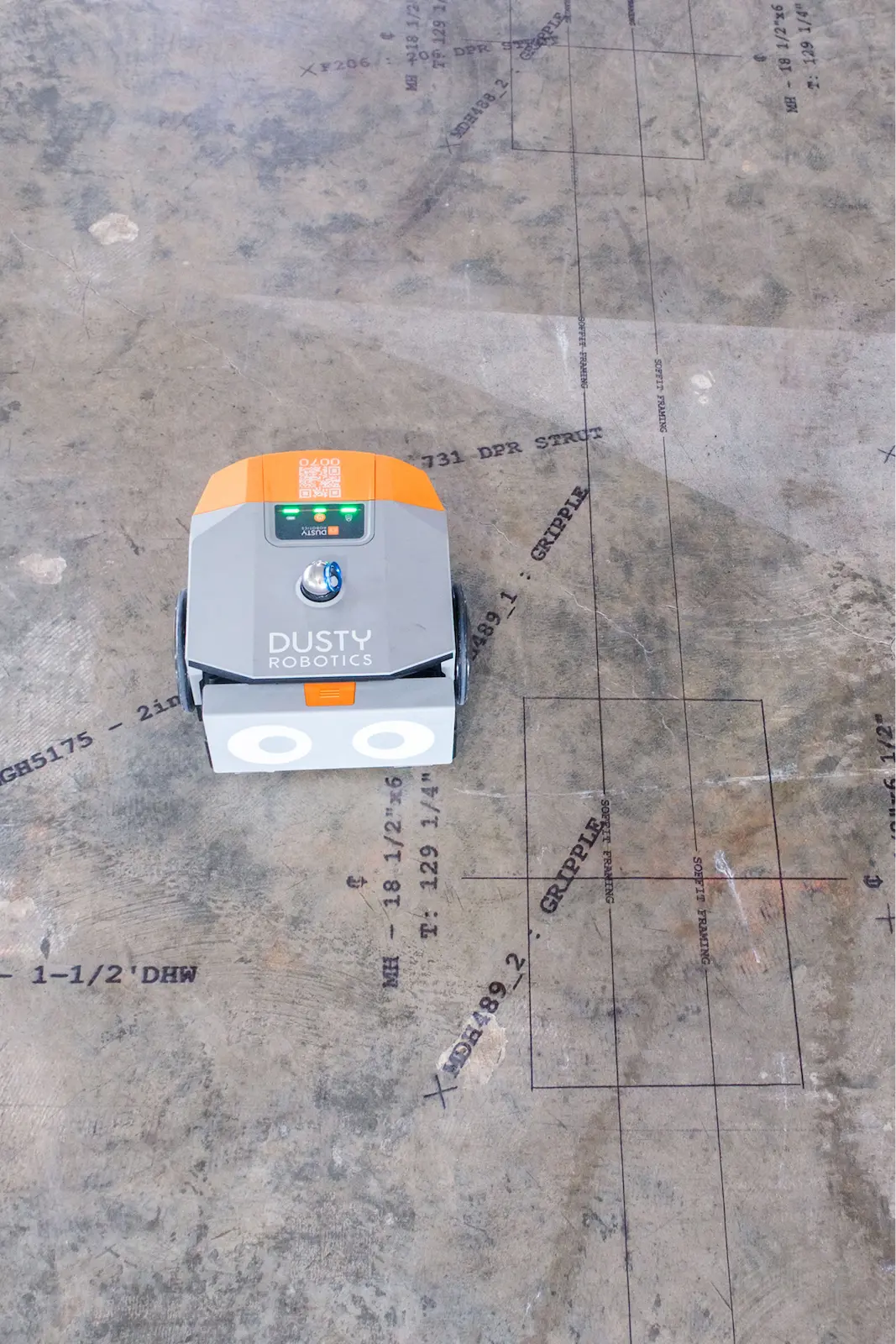
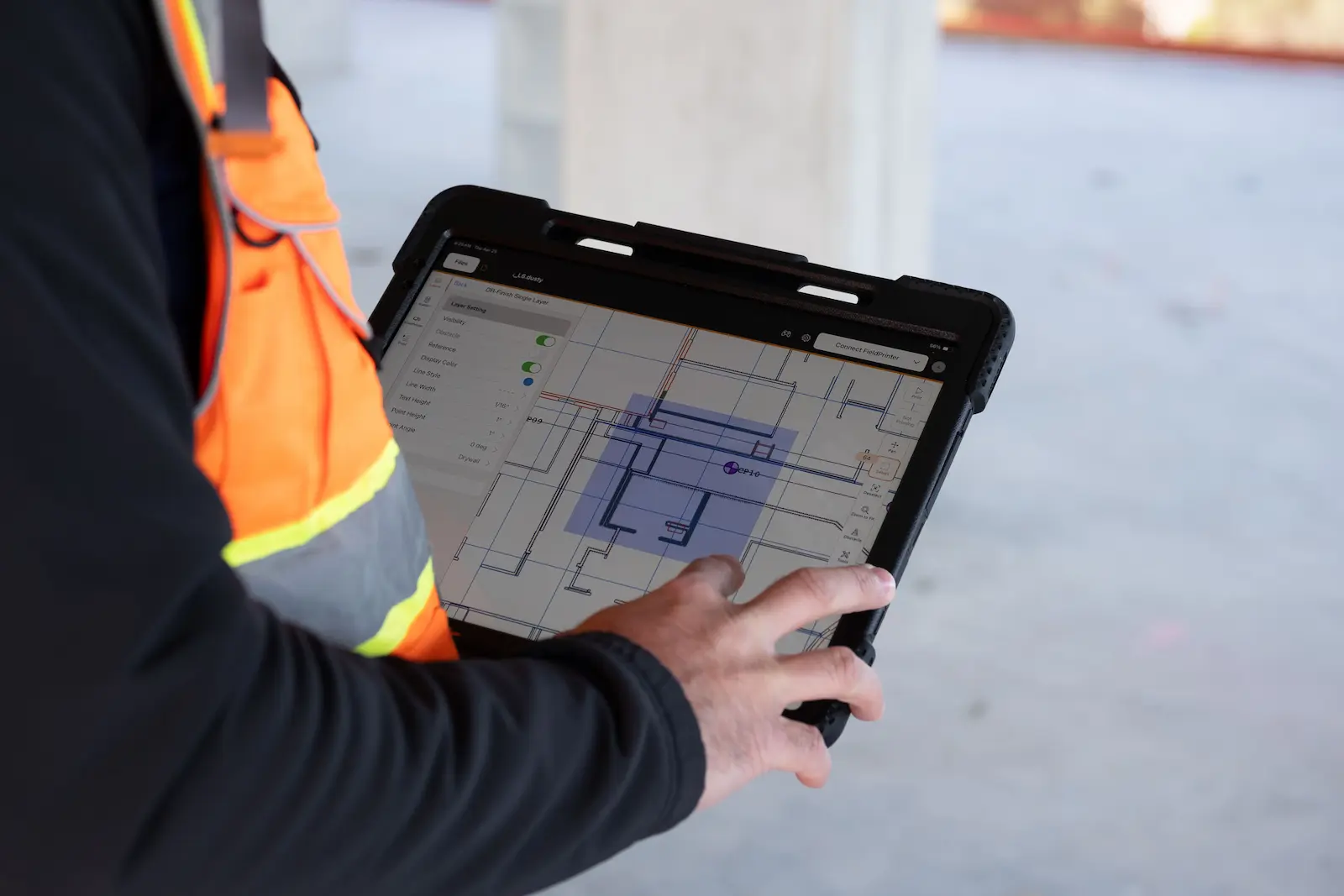
Dusty Robotics’ FieldPrint Platform closes the gap between VDC and the field—so the coordinated model is what actually gets built.
Keep the job on plan
- Productivity: Release areas for install sooner, and finish faster.
- Fewer clashes: See conflicts at full scale before material goes in.
- Clear accountability: One coordinated print, reviewed and signed off.
See how GCs use Automated Layout

McCarthy’s $1B Kaiser Hospital Build
Thousands of additional points laid out; 3,000 hours of layout labor saved. ”With Dusty, we took the digital world and executed it one-to-one in the field. This level of automated layout will be the new industry standard.” — Glen (Sully) Sullivan, VDC Manager, McCarthy
Alston’s Robotic Distribution Center
15% more layout information. One third the time spent on site. ”On prior jobsites, it took roughly 15 days for four people to lay out the entire project. With Dusty, we're able to go out there with a single operator and lay out everything in five days.” — Ricky Molina, VDC Director, Alston Construction

JE Dunn Lays Out Four Trades on a Knoxville Temple
5x faster layout process. “Dusty laid everything out based on the BIM model. It opens unmatched communication with VDC” — Jeff Lackey, Senior Superintendent, JE Dunn
Layout was where great coordination went to die
- Fewer schedule delays that cascade and compound from trade to trade.
- Greater confidence that a well-coordinated model gets built faithfully in the field.
- Less rework because clashes that sneak through digital coordination are caught in the field before they become defects.
“Dusty takes all those potential inaccuracies and eliminates them because everyone on the project uses the same model, and they can trust that model is accurate. With Dusty, errors or conflicts are identified and fixed early, before they become a problem."
Mortenson Data Centers

Learn How to do Multi-Trade Layout
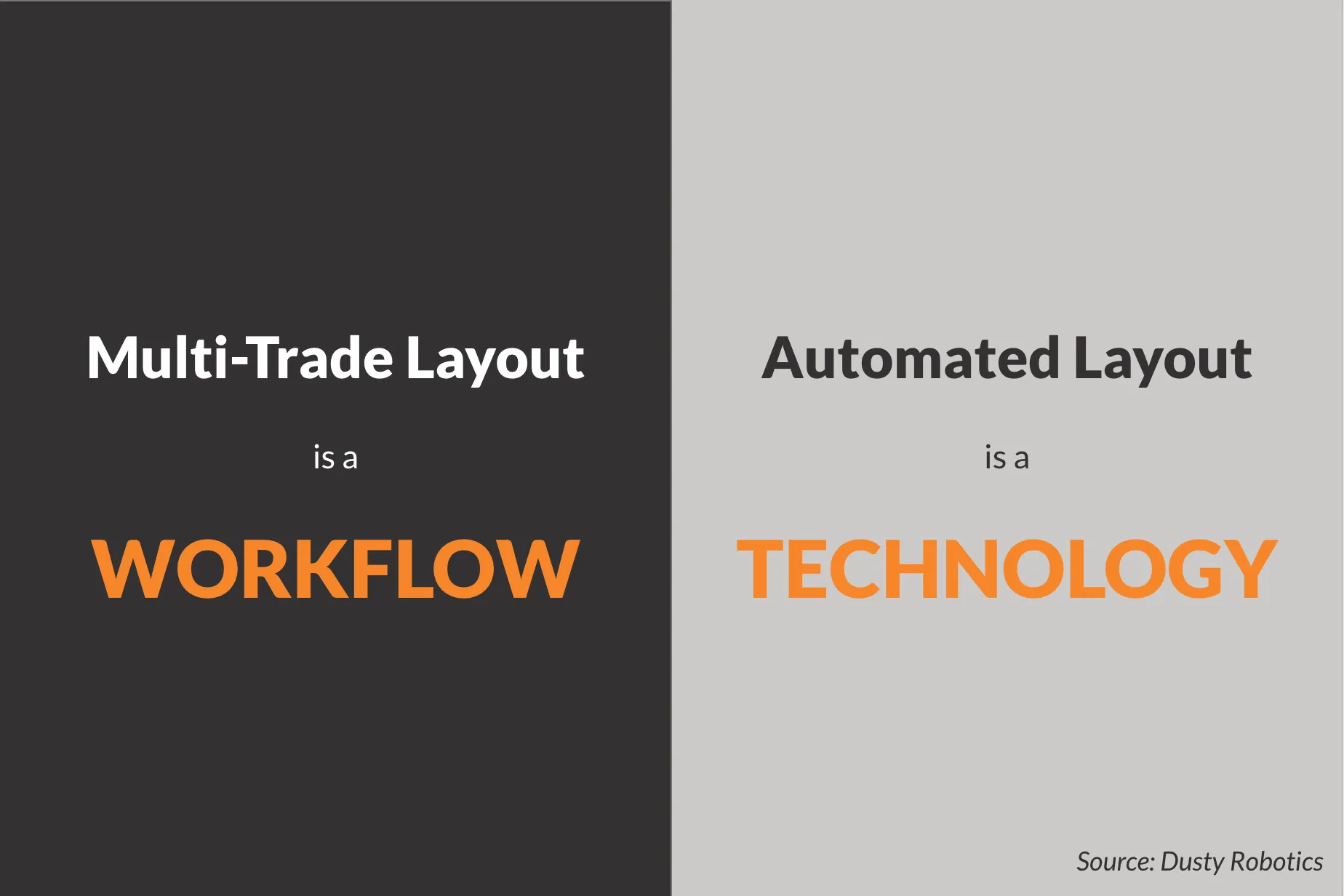
Multi-Trade Layout: How it Changes Everything
“It's a really efficient way of doing layout for a lot of different trades.” — Sean Greist, VDC Manager, The Weitz Company
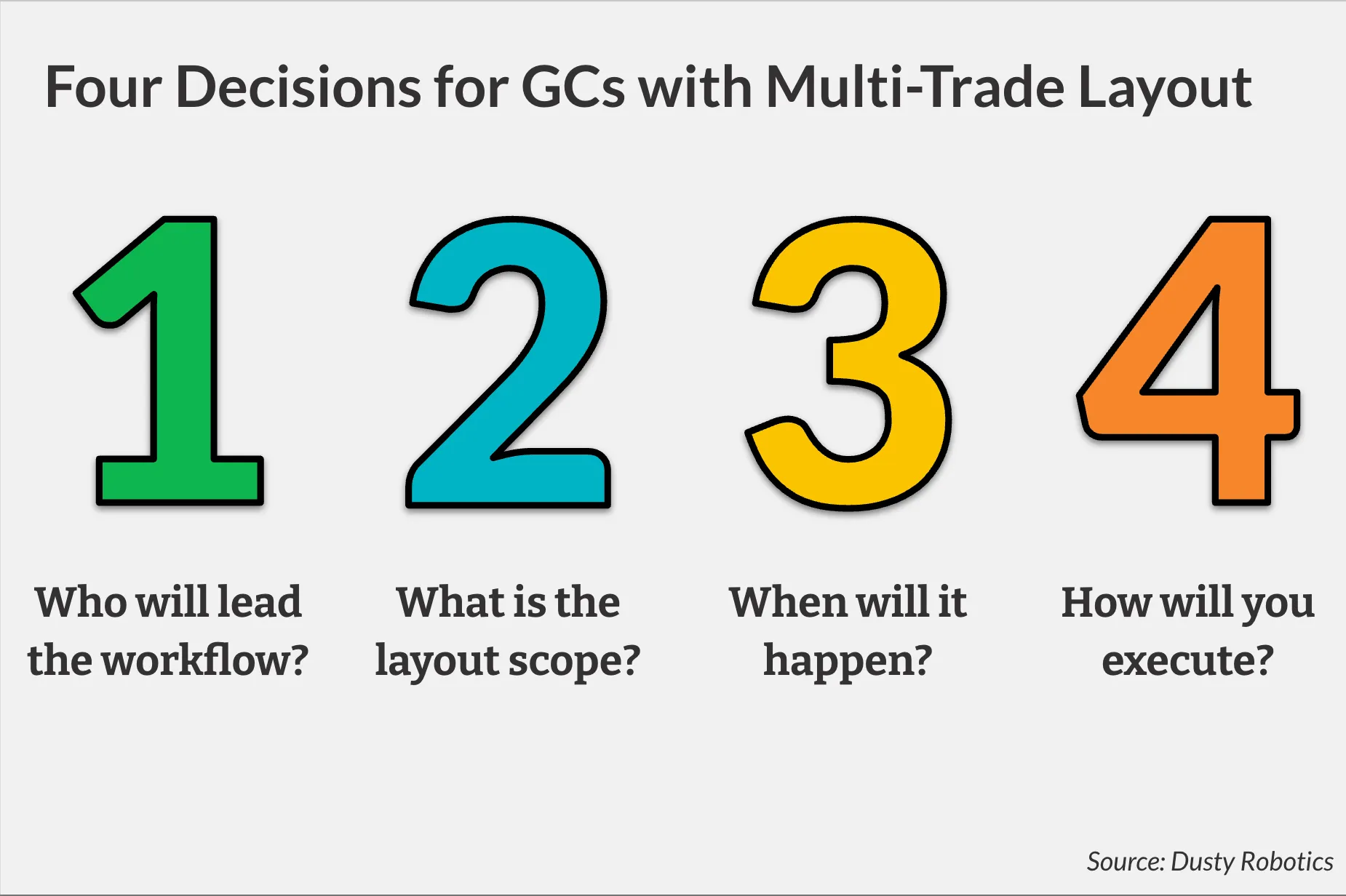
GC Decisions Before Implementing Multi-Trade Layout
“When our teams put Dusty to work, the initial skepticism turned into excitement as everyone saw how this tool simplified complex layouts and improved precision.” — Enrique Elizondo, VP of Operators, Gilmore Construction
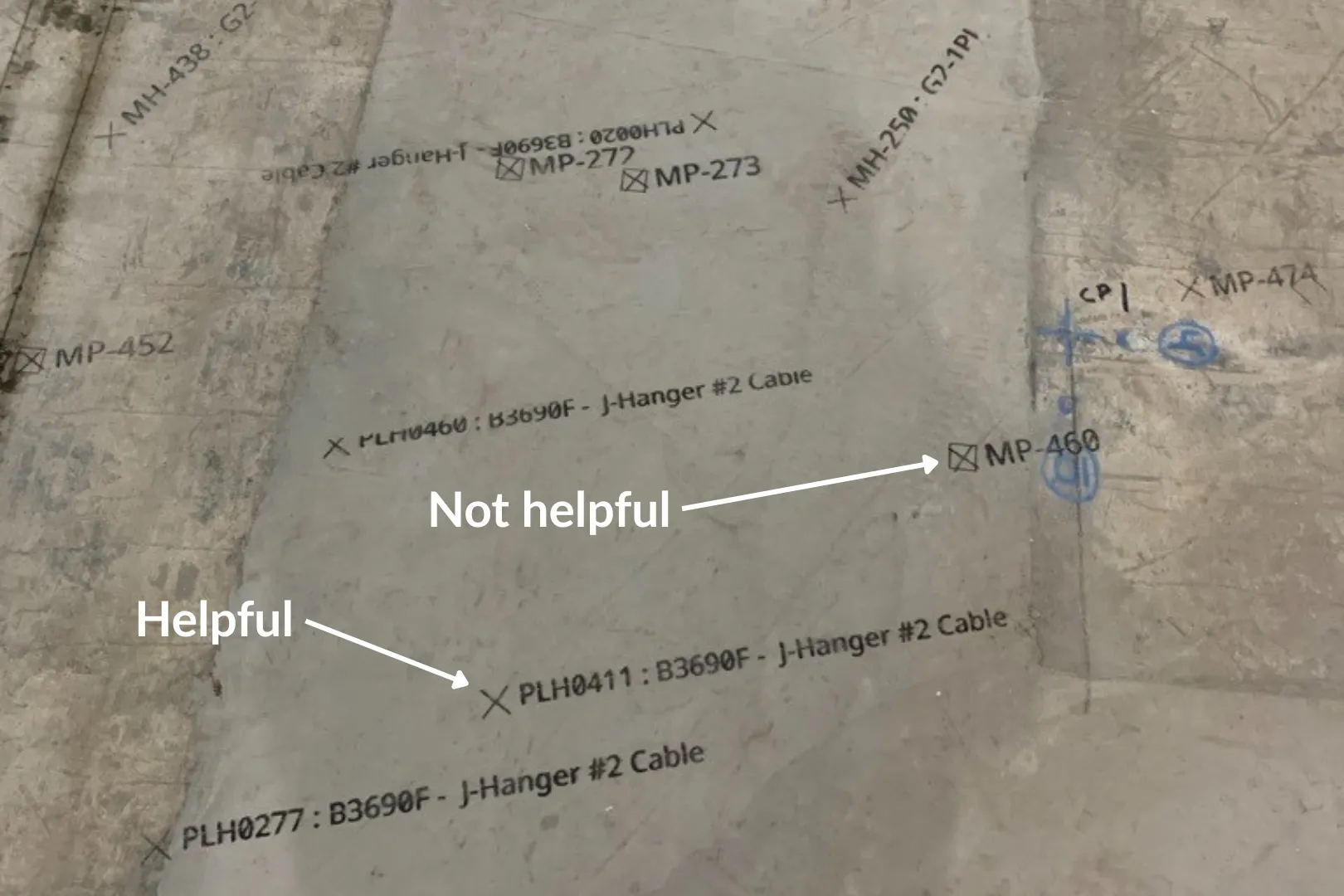
How to Decide Who and What is Included in Multi-Trade Layout
“Layout is how we communicate design information to the craft.” — Scott Yohe, VP of Construction, Dale Construction
Lead layout without taking the trades’ scope
- Defined scope: Decide what gets printed and when.
- Preserve Accountability: Trade partners sign off on their scope (files + layers) before print day.
- Cleaner installs: Fewer surprises once work starts.
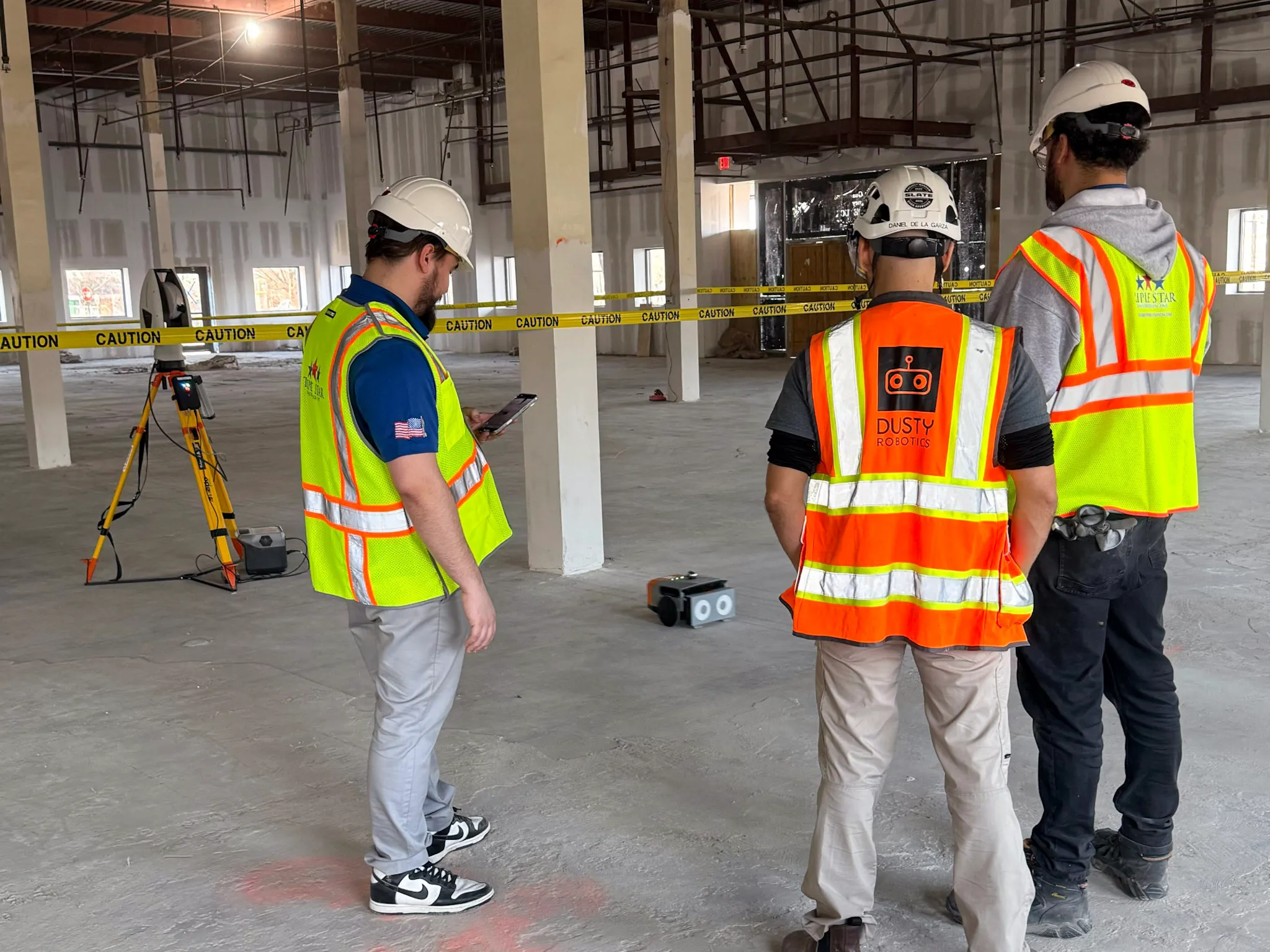
“Dusty saved us two weeks on a five-month layout schedule, while using only a four-person crew to lay out much more information than before. Previously each trade would have two separate four-person crews. Dusty let us be much more lean, accurate, and detailed, all at the same time."
McCarthy Building Group Healthcare

Build to the Model
- Jobsite‑ready info: Print labels, tags, and notes where work happens.
- Fewer RFIs: Answer questions on the deck, not after install.
- Repeatable results: Consistent layout across floors, crews, and projects.
Get layout under control on your next job
Frequently asked questions
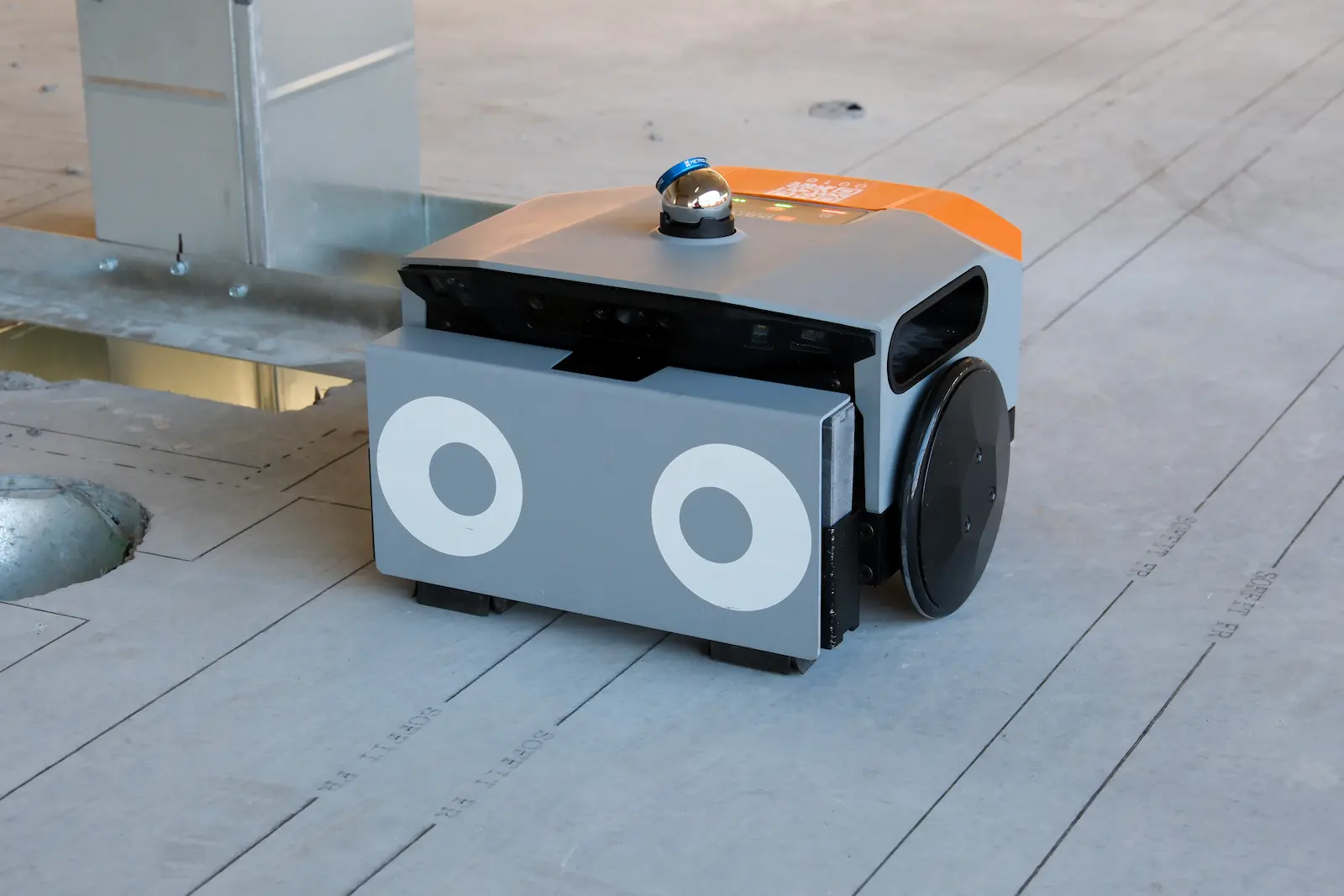
Automated layout is when a construction layout robot prints layout lines from coordinated CAD/BIM files directly onto the slab or deck — so the field builds from the model instead of re‑interpreting it with tape, string, and chalk. For GCs, automated layout is about controlling risk and keeping the job aligned across trades, not just “doing layout faster.”
Multi‑Trade Layout is a GC‑led workflow where multiple trades agree up front on what gets laid out, then the robot prints that coordinated layout in a single pass. It helps avoid trade stacking conflicts and late discovery that turns into RFIs, rework, and schedule compression.
On high‑stakes projects, the strongest results come when the GC leads the workflow (scope, coordination, signoff, print day), because the general contractor is the only party positioned to align everyone early. That doesn’t mean the GC “takes the trades’ scope;“ it means you own the design‑to‑field handoff so trades can install with fewer clashes.
Start planning layout during preconstruction (precon): set expectations for VDC or BIM file timelines, coordination meetings, and signoff. When trades can see everyone’s plan on the deck at full scale, they solve conflicts together before install — so nobody gets stuck holding the bag later.
Most multi‑trade layout teams include the GC plus some mix of framing/drywall and MEP (mechanical, electrical, plumbing), fire protection, and any trade installing prefabricated assemblies or major equipment. The right answer depends on what’s most likely to collide and what’s driving the critical path on your job.
Dusty Robotics’ Multi‑Trade Layout can include walls, sleeves, penetrations, hangers, embeds, equipment outlines, grid lines, and other install references; all based on coordinated model data from the general contractor. The key is deciding what goes on the slab early so the print is useful and avoids clutter.
Dusty prints Multi‑Trade Layout from the digital model with 1/16" accuracy, so general contractors and other construction teams can trust the marks and move faster without second‑guessing. Accuracy matters most when multiple scopes share tight space.
Automated layout can replace large portions of traditional “measure‑and‑mark” layout, especially when you want to lay out many scopes at once and keep everyone aligned to the coordinated model. Many teams still use robotic total stations (RTS) for certain tasks but Dusty is designed to make layout a repeatable, model‑driven workflow instead of a craft activity that varies by crew.
Earlier than most teams do (during precon and early coordination) because multi‑trade layout changes downstream scheduling (who participates, what gets printed, and when the floor gets released). Treat the actual layout like a milestone, not a last‑minute field activity.
By putting coordinated design information on the slab at full scale, construction issues get spotted earlier (with foremen walking the deck together) instead of being discovered after install. That early visibility prevents “quiet” coordination problems, reducing last-minute RFIs that turn into expensive rework.
Any project where coordination is tight and schedule pressure is high — especially mission critical/data centers, healthcare, industrial/manufacturing, and other complex builds where trade density and tolerances make manual layout a recurring risk.
Want to learn more?