Beyond GPS Construction Layout: 1/16″ Accuracy, No Satellites
Compare FieldPrinter vs. GPS layout on your project
8x more accurate than GPS layout
- Build the right thing, every time. What prints is the model every trade signed off on; revisions reach the field before work begins.
- Layout drops off your rework list. 1/16″ is tighter than the trades' tolerances, so layout stops generating RFIs and re-shoots.
- No compounding drift. Every line references the same model, point to point and floor to floor, indoors or out.
How it works: from BIM model to printed slab
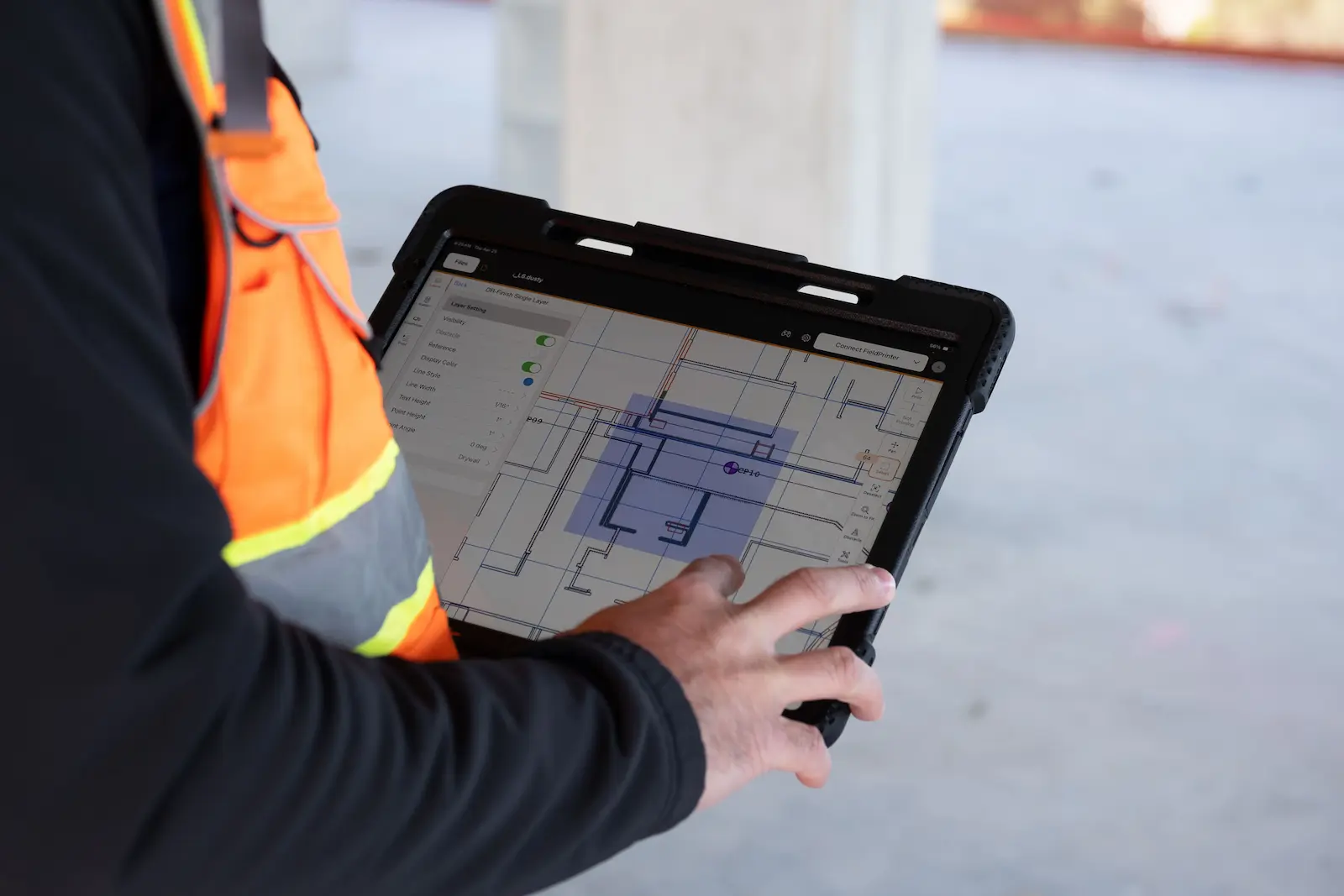
- 1. Align the model: export from Revit or AutoCAD to the Dusty Portal, where every trade signs off.
- 2. Set control: the laser tracker scans three control points at sub-1/32″ accuracy. No survey experience required.
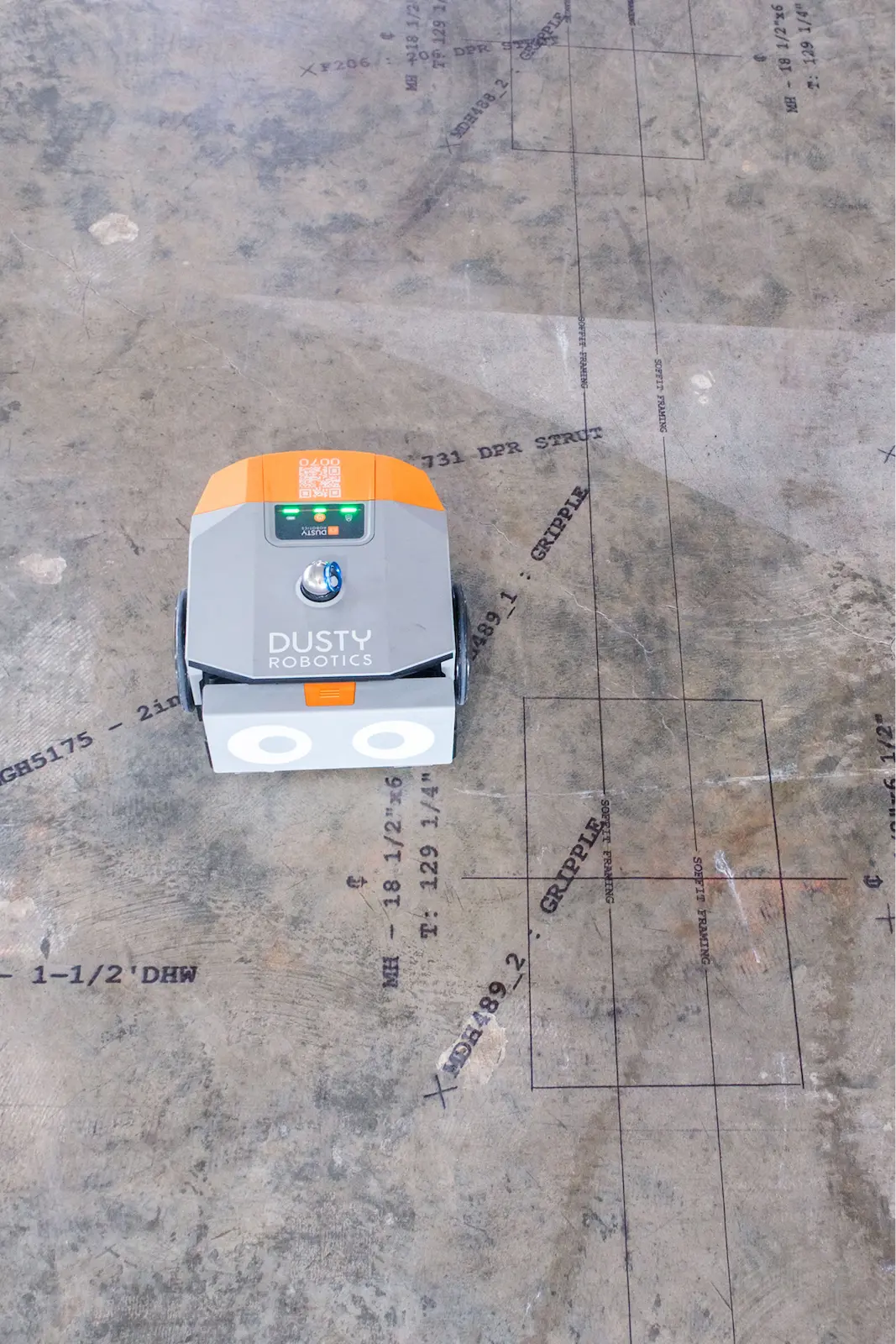
- 3. Print the floor: the full layout prints in one pass, with one operator on an iPad.
.webp)
"Dusty's had a truly amazing effect on the amount of work we can do. We were previously hitting 15 panels a day with a great crew or six with a less experienced crew – and our crew sizes were between seven and ten people. We now can regularly do 100 panels a day with just one person."


Every trade, one pass, proven at scale
- Outdoors: VEMAC lays out 100 tilt-up panels a day with one person, up from 6–15 with a crew of seven to ten, on slab work where a GPS rover would be the default tool.
- Indoors: "We have one floor, about 17,700 square feet, and we've laid it out in a couple of days with two robots — normally that would take weeks." — Truebeck, on a life sciences project.
- 300M+ square feet printed for DPR, JE Dunn, Skanska, McCarthy, Mortenson, and Swinerton across data centers, healthcare, and industrial projects.
See the full
FieldPrint Platform

Frequently asked questions
A total station is an electronic instrument that is used in construction for measuring distances and angles for surveying and construction layout. There are two types of total stations in construction: a total station and a robotic total station. However, total stations are considered outdated tools for construction layout. Fully-automated robotic layout is the better solution that completely automates the layout process by printing the digital model directly on the construction site surface.
What is GPS construction layout?
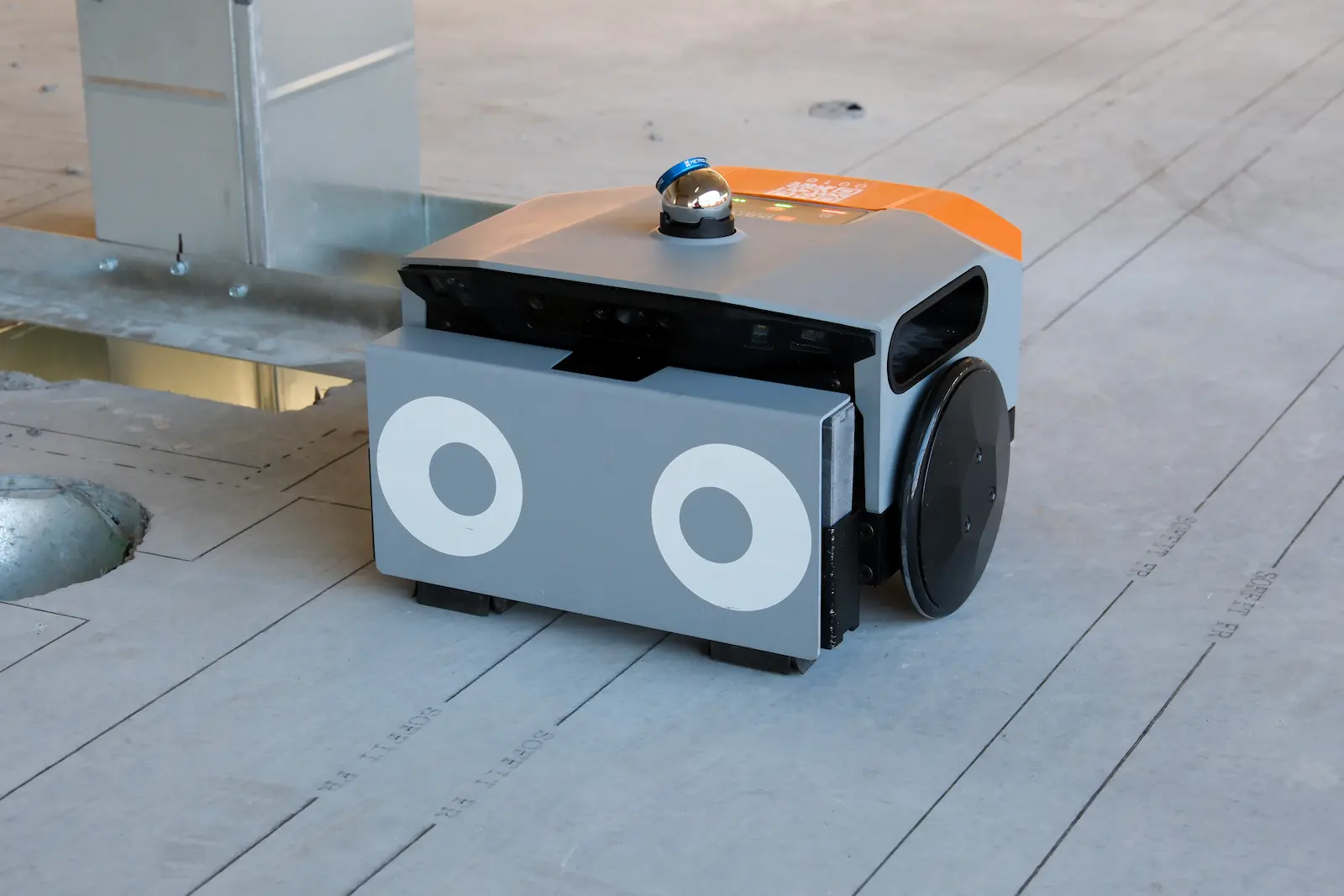
GPS construction layout uses a GNSS rover (typically Trimble, Topcon, or Leica) receiving RTK-corrected satellite positioning to stake out coordinates on a jobsite. The operator walks to each point, the rover confirms the position, and the point gets marked by hand. It's a standard tool for sitework: utilities, foundations, exterior control, and grading, anywhere with a clear view of the sky. Once a structure goes vertical and work moves under deck, satellite signal doesn't reach, and layout has traditionally fallen back to total stations, tape, and chalk lines. Dusty Robotics' FieldPrinter takes a different approach entirely: it prints the full coordinated BIM model directly on the concrete slab at 1/16″ accuracy, with no satellites and no point-by-point marking, indoors or out.
How accurate is GPS for construction layout?
RTK-corrected GNSS typically specs at 1–2 cm horizontal under ideal conditions, and real jobsites are rarely ideal. Multipath off structures, steel, and equipment, partial sky view near buildings, weak satellite geometry, and the hand-marking step at every point all stack up, so GPS layout commonly holds around 1/2″ by the time the mark is physically on the ground. Vertical accuracy is worse. Dusty's FieldPrinter prints layout directly on the slab at 1/16″ accuracy at 600 DPI, roughly 8x tighter than field-condition GPS layout, with every line referenced back to the coordinated BIM model and no human marking step in the middle. That's tighter than the tolerances of the framing, MEP, and finish work that builds off layout, so on Dusty projects layout is rarely the source of a downstream field-quality issue.
Does GPS layout work indoors?
No. GPS layout depends on line of sight to satellites, and once a deck is poured overhead the signal is blocked or degraded far beyond layout-grade accuracy. That's why interior layout on commercial projects has historically meant a robotic total station plus a crew marking points by hand, or tape and chalk lines. Dusty's FieldPrinter is built for exactly this environment: it localizes against your site control points on any floor of the building, then drives the slab and prints every wall, MEP penetration, embed, anchor point, callout, and QR code from the coordinated BIM model at 1/16″ accuracy. The marks are physical ink on the concrete, so every trade that follows builds from the same printed layout for the rest of the job.
How does the FieldPrinter position itself without GPS?
The FieldPrinter stations to the jobsite using the control points your project already has, scanned by the laser tracker that ships with the system: a minimum of three points, measured at sub-1/32″ accuracy, unaffected by sky view or satellite signal. Before any ink hits the slab, Dusty displays a comparison of measured vs. modeled control point positions, so poor field control, a common root cause of layout errors, gets diagnosed and corrected before it propagates across an entire floor. No survey experience is required. From there, one operator loads the signed-off file from the Dusty Portal on an iPad and the robot drives the slab autonomously, printing every line, label, and QR code at 1/16″ accuracy while obstacle avoidance steers it around columns, material, and equipment.
What's the difference between a GPS rover and a layout robot?
A GPS rover is a measurement tool with a person in the middle: it tells the operator where a coordinate is, and the operator marks it by hand, one point at a time, then snaps lines between marks. A layout robot removes the translation step. Dusty's FieldPrinter ingests the coordinated BIM model directly and prints the entire layout file at full scale in a single autonomous pass: wall lines, MEP runs, embeds, annotations, trade callouts, QR codes. Where a rover crew handles a few hundred points per shift, the FieldPrinter prints thousands of lines and labels per hour at 1/16″ accuracy. And because it prints rather than stakes, the layout stays on the slab for every trade through the whole build.
Can Dusty's FieldPrinter replace GPS layout methods?
For slab layout, yes, indoors and out. VEMAC, an award-winning tilt-up contractor, runs the FieldPrinter on outdoor casting slabs where a GPS rover would be the default tool, and went from 6–15 panels a day with a crew of seven to ten people to 100 panels a day with one operator. GPS rovers still earn their keep on open-ground sitework like grading, utilities, and exterior control. But anywhere the work happens on a slab (interior floors, tilt-up casting beds, podium decks), printing the model beats staking points on accuracy, speed, and what actually ends up on the concrete. Most Dusty customers keep their instruments for site control and verification, and let the FieldPrinter do the production layout.
Can the FieldPrinter lay out on dirt or unimproved ground?
No. The FieldPrinter prints on hard, finished surfaces: cured concrete slabs, tilt-up casting beds, podium decks, and wood subfloor. It does not work on dirt, gravel, mud, or unimproved ground. If your layout work is staking on grade (utility runs, foundation corners, gradework, site control before the slab is poured), a GPS rover or total station remains the right tool, and Dusty isn't a fit for that scope. The handoff point is the slab: once concrete is down, the FieldPrinter takes over and prints the full coordinated model at 1/16″ accuracy for every trade, for the rest of the build. Most projects use both, with instruments handling on-grade work and site control while automated printing covers everything on the slab.
How fast is automated layout compared to point-by-point layout?
Point-by-point layout, GPS rover outside or total station inside, moves at the speed of the person marking: a few hundred points per shift, one trade at a time, with lines snapped by hand between marks. Dusty's FieldPrinter prints whole floors in hours, at roughly 10x the speed of manual layout, with one operator running the machine. Speed compounds because every trade's layout prints in the same pass: instead of sequencing trade layouts across a week, the slab arrives ready for every crew at once. Truebeck laid out a 17,700 square foot floor in a couple of days with two robots, work that would normally take weeks. VEMAC boosted its daily tilt-up panel layout rate by more than 600%.
Want to learn more?