The Complete Design-Field Communication Platform
Communicate Actionable Information
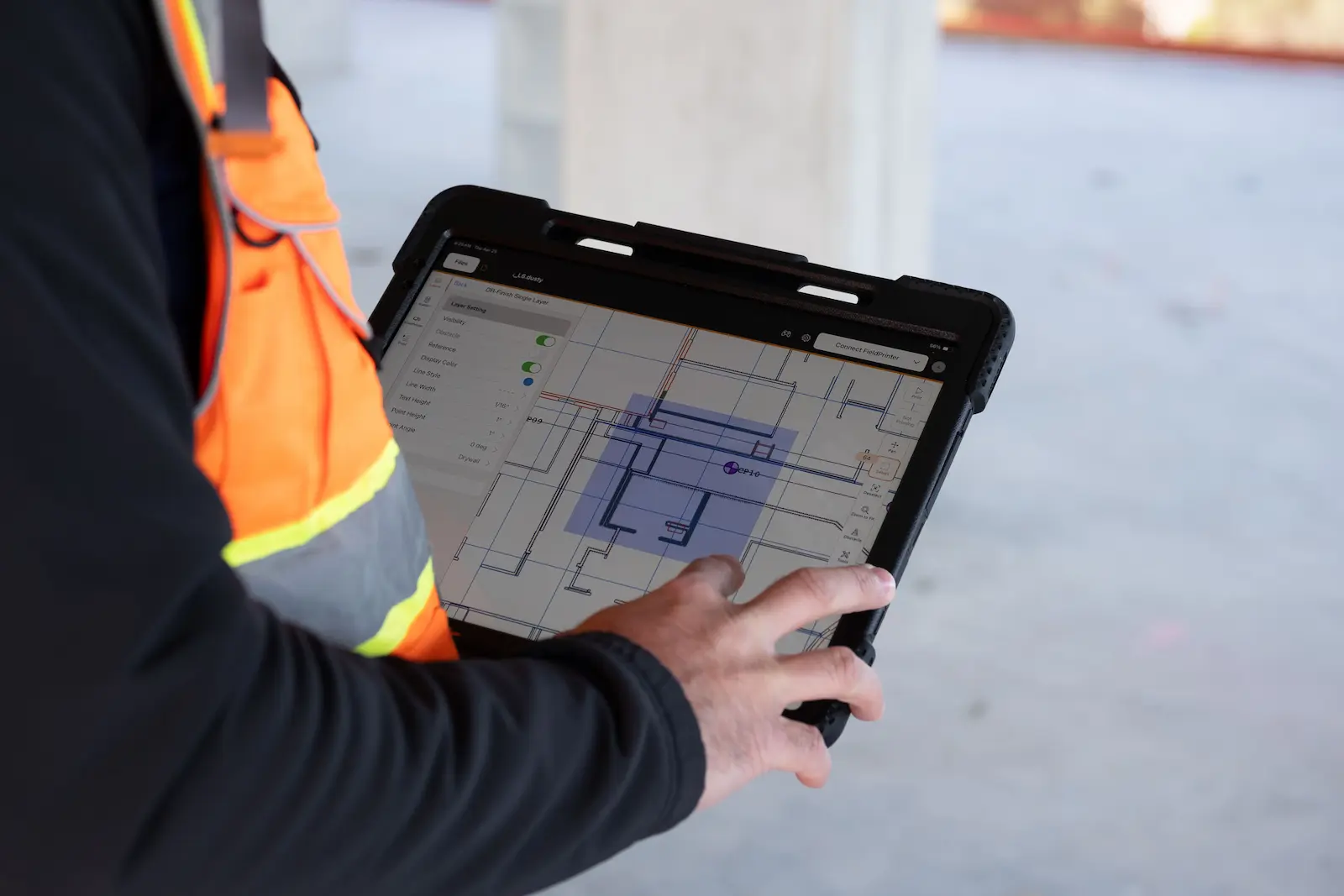
- Align models from all trades and collaboratively decide what information to print in the field.
- Foster communication in the field by making the same information available to everybody.
- Convey insights from VDC by printing anything, including labels, tags, sequencing instructions, and even QR codes.
Stay Faithful to the Model
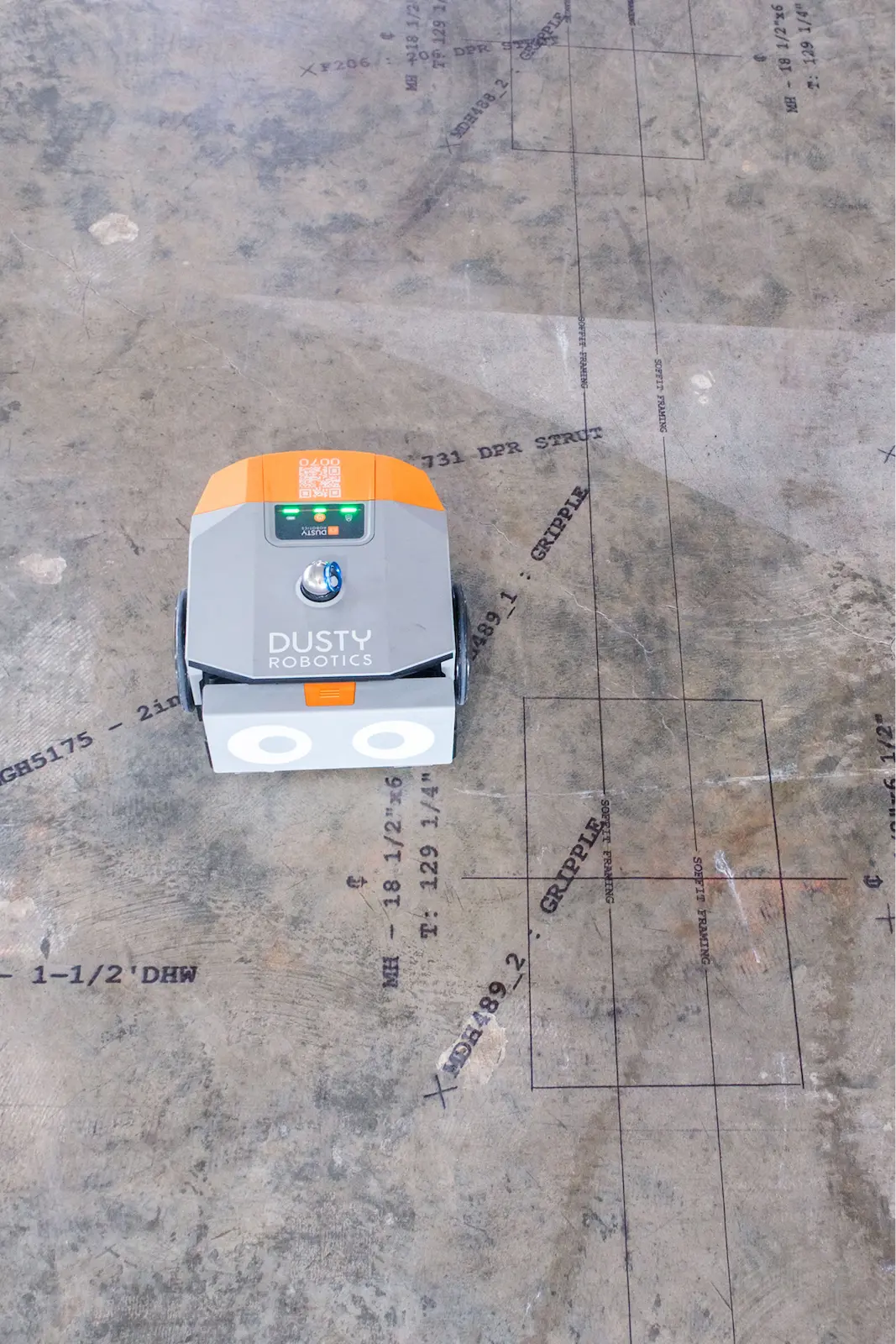
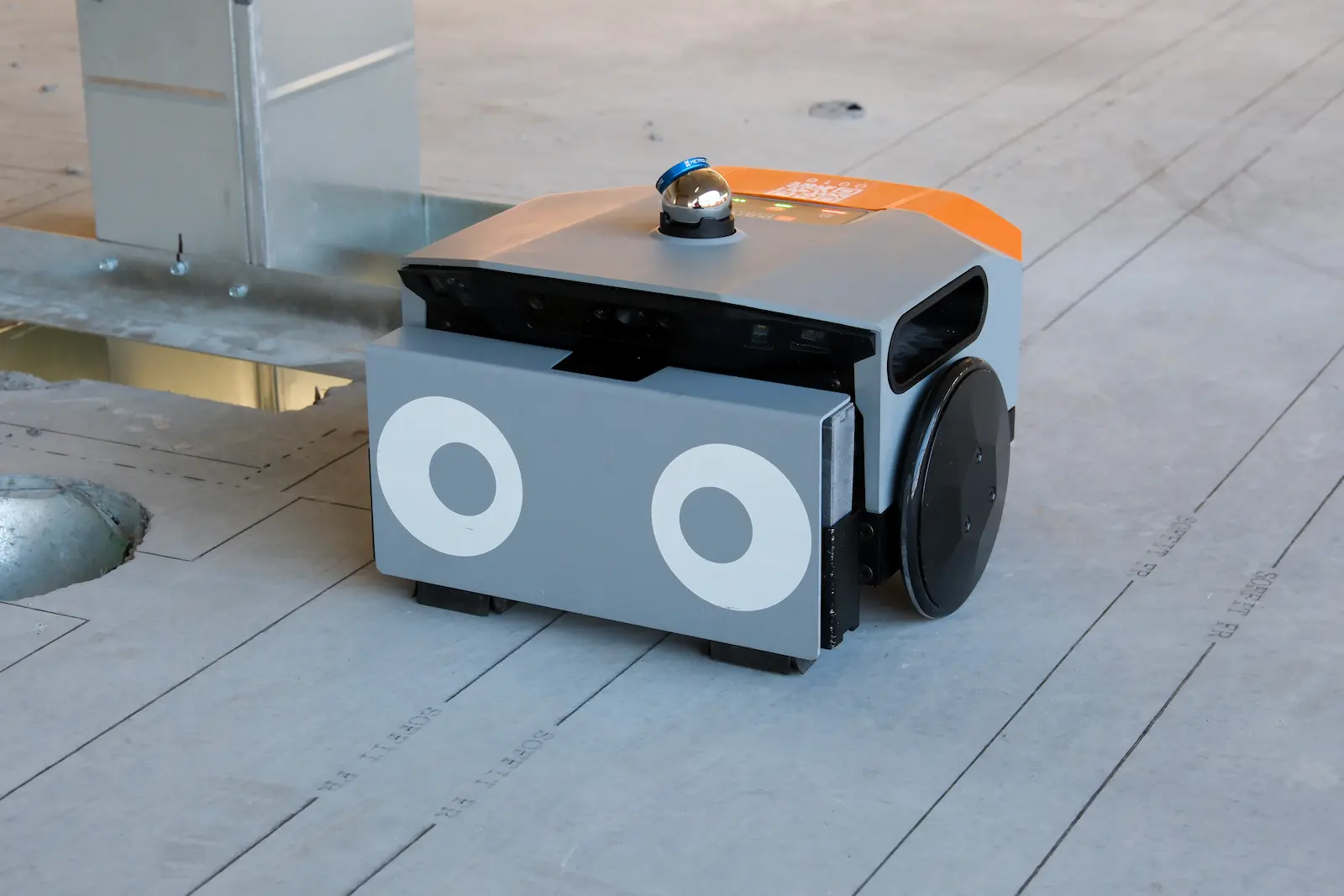
- Print the whole model with the industry's most intelligent and maneuverable layout robot.
- Prevent compounding errors over large floor areas with 1/16" accuracy.
- Easily align the model to imperfect control with best-fit analysis.
.webp)
"We reduced virtually all of our exposure to fatigue injury. We’re not getting up and down at all to snap chalk lines."

Free Your Team
- Complete layout for multiple trades up to 10X faster than manual layout.
- Keep layout moving with AI-driven computer vision and obstacle avoidance.
- Plan other jobsite activities and allocate costs efficiently based on real-time reporting.
See the full
FieldPrint Platform

Frequently asked questions
A total station is an electronic instrument that is used in construction for measuring distances and angles for surveying and construction layout. There are two types of total stations in construction: a total station and a robotic total station. However, total stations are considered outdated tools for construction layout. Fully-automated robotic layout is the better solution that completely automates the layout process by printing the digital model directly on the construction site surface.
What is the Dusty Robotics FieldPrinter?
The FieldPrinter is an autonomous layout robot that prints your full BIM model directly onto the jobsite floor at full scale. It replaces manual chalk lines and tape measures, giving every trade access to the same accurate, up-to-date information underfoot.
How accurate is the FieldPrinter?
The FieldPrinter consistently achieves 1/16" accuracy across large floor areas. It uses AI-driven computer vision and best-fit analysis to align the digital model to real-world control points, even on imperfect slabs.
How much faster is robotic layout compared to manual?
Teams using the FieldPrinter complete layout up to 10X faster than traditional manual methods. A single operator can run the robot while the rest of the crew stays focused on installation and other high-value tasks.
Which trades can use the FieldPrinter?
The FieldPrinter works for any trade that relies on layout — including mechanical, electrical, plumbing, framing, concrete, and specialty contractors. Because it prints the entire model, multiple trades can pull from the same layout pass.
What file formats does the FieldPrinter support?
The FieldPrinter works with standard BIM files including Revit, AutoCAD, and IFC formats. Models are prepared and managed through the Dusty app, where teams can select exactly which layers and information to print.
Does the robot work on all jobsite surfaces?
Yes. The FieldPrinter is designed for real jobsite conditions — it navigates around obstacles autonomously and performs on concrete, wood subfloor, and other common slab surfaces.
How does the FieldPrint Platform improve coordination between VDC and the field?
The platform gives VDC teams a direct line to the field. Instead of relying on paper drawings or verbal handoffs, coordinators publish the model through the Dusty app and it's printed on the floor — exactly as designed. Labels, tags, sequencing instructions, and even QR codes can be included.
What kind of ROI can we expect?
Customers typically see ROI through reduced rework, fewer RFIs, faster layout cycles, and better labor utilization. Because the FieldPrinter keeps your best people on installation rather than layout, labor savings alone often justify the investment within the first project.
Is the FieldPrinter difficult to operate?
No. The robot is designed to be run by a single operator with minimal training. Dusty provides onboarding and ongoing support, and the Dusty Academy offers self-paced training so your team can get up to speed quickly.
How do we get started?
The best first step is a conversation with our team. We'll walk you through the platform, answer questions specific to your project types, and help you figure out the right fit. Use the form on this page to get in touch.
Want to learn more?